

Ashampoo® Ultimate Photo Tool Bundle 17
The power bundle for your photos
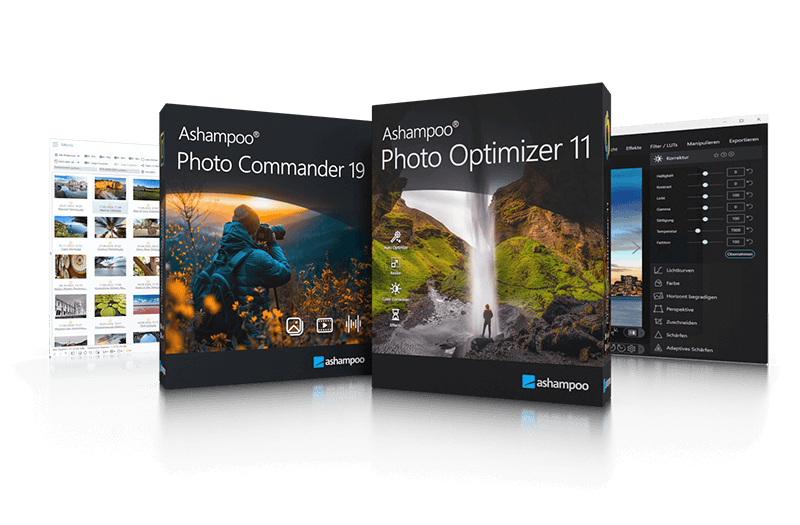
Get the unbeatable Ashampoo Photo Tool Bundle!
Give your photos to an all-round overhaul! With Ashampoo Photo Optimizer, you can enhance your images with a single click and bring out their best. Ashampoo Photo Commander is the powerful solution for viewing, editing, and organizing your photos. More than 200 features await you in this classic tool. With the Ashampoo Photo Tool Bundle, you will receive the latest versions at a special price!
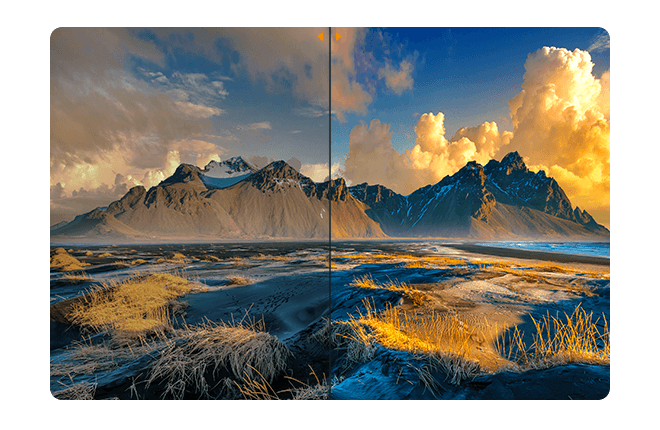
Photo Commander 19!
20 years ago, beautiful photos were scarce. 10 years ago, memory was scarce. Today, we've got both–but we've also got a veritable file chaos, thanks to hundreds of files! Ashampoo Photo Commander not only turns chaos into neat photo collections but it also turns good into great shots, and can even make collages, greetings cards, and slideshows. Convert your photos, even automatically and in batches, add watermarks, and sort your files by location for instant visual clarity. Photo Commander is the all-in-one solution for you!
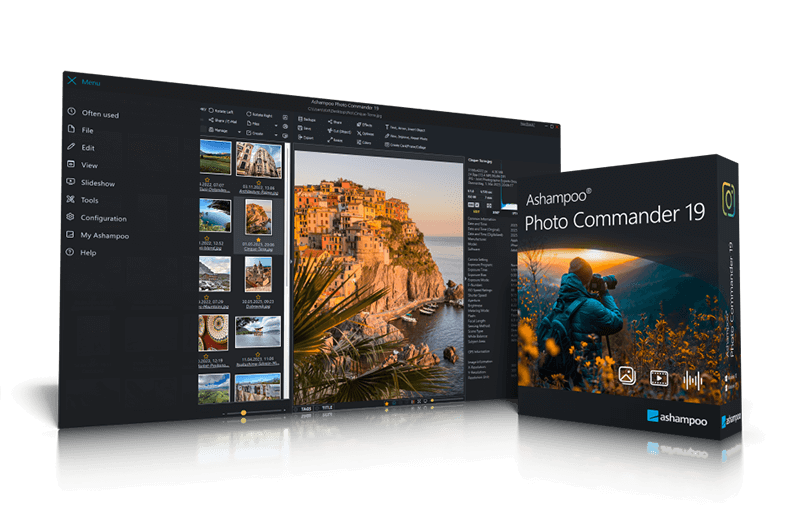
The true all-rounder to view, edit and organize your photos
Chockfull of features: More than 200 functions for your photos in a single software
Get the perfect upgrade with the new Ashampoo Photo Commander 19! Enjoy more privacy for your photos, smoother management with smart drive detection and the brand-new Where?/When? view. Photo Commander 19 delivers full support for modern formats like WEBP animations, RAW and optimized video codecs, plus numerous detail improvements to wizards, collages, and duplicate detection!
- Automatic duplicate photo filter for quickly finding and grouping duplicates
- Four-way fingerprinting for precise image comparison and duplicate detection
- Auto-adaptive UI layout for portrait or landscape orientation
- Faster thumbnail loading, including subfolders
- Progress display for running tasks
- Auto-listing of city names in GPS data in group view
- Filter by favorites, duplicates, and file formats in real time
- Support for XMP and EXIF data in filters
- Faster folder scans
- Customizable folder view and UI elements
- Up to 50% faster PNG load times
- Support for SVG, AVIF, and the latest RAW formats
- New effects like Bevel, Inner Glow, and Pseudo 3D
- Right-click bitmap export for objects
- New Pop Art, color, and artistic frame effects
- New "Change Color" tool for easy color adjustment
- Uniform design with updated dialogs and new controls
- Improved full-screen mode with new transition effects
- Faster display and zoom for 32-bit photos with alpha channel
- Optimized video playback with slow drives
- Automatic encryption of database, backups & Registry
- Optional screenshot protection against third-party access
- Crash safety with autosave & new crash reporter
- Automatic drive detection for USB sticks & external hard disks
- “Where?/When?” view with file counts for quick overview
- WEBP animations with EXIF & XMP support
- Updated RAW plugin for digital cameras
- Optimized GIF decoder & new video codecs
- Improved wizards with new design & faster duplicate search
- ADF scanning for Canon Pro scanners
Photo Optimizer 11!
Photos constitute irreplaceable memories and capture special moments in our lives. But they do not always come out as expected, or leave room for improvement. Ashampoo Photo Optimizer 11 helps you to make the most of your photos in a single click and achieve stunning results almost instantly and automatically–even with handy batch processing!
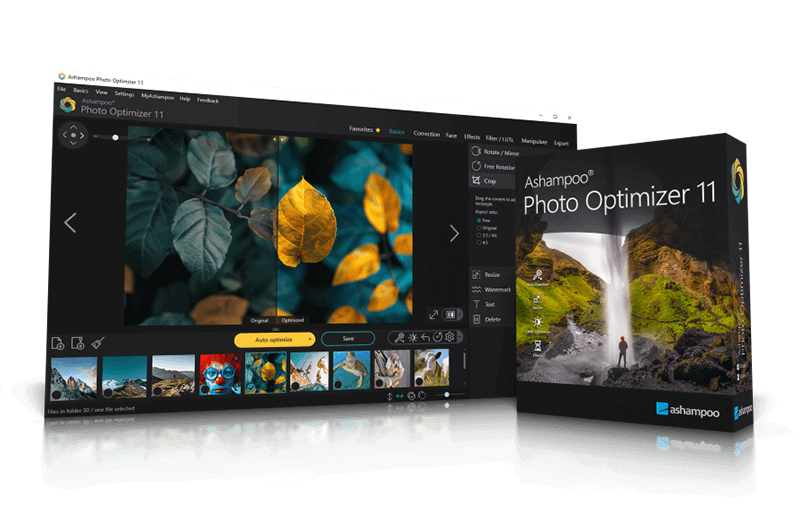
- Brilliant perspective corrections for natural lines
- Significantly enhanced image auto-optimization
- Super-fast feature access through Favorites
- Manual color temperature adjustments
- Tonal curve adjustments
- Improved memory management for better stability and speed
- 64-bit optimized
New in Ashampoo Photo Optimizer
Stunning visual transformations for your photos!
Ashampoo Photo Optimizer 11 makes your pictures shine like never before! 15 brand-new LUTs (Look-Up Tables) give your photos a completely new look with a single click. To help you manage your LUTs more effectively and easily add your own or downloaded LUTs, we’ve introduced a brand-new LUT management system. Get ready for a state-of-the-art photo optimizer and image worlds that will amaze you!
- On-demand visual mood swings with LUTs
- Change multiple color values in a single click
- Ashampoo Photo Optimizer 11 makes your pictures shine like never before! 15 brand-new LUTs (Look-Up Tables) give your photos a completely new look with a single click. To help you manage your LUTs more effectively and easily add your own or downloaded LUTs, we’ve introduced a brand-new LUT management system. Get ready for a state-of-the-art photo optimizer and image worlds that will amaze you!
- Download and use LUTs from the internet
- Create visual consistency across photo series
More top products from Ashampoo: No PC should be without them!