 (ARM)
(ARM)
 (ARM)
(ARM)
Ashampoo® Multimedia Bundle 20
Three Top Tools for the price of one

Photo Optimizer Pro 26
New Looks, new moods, new possibilities
Photos constitute irreplaceable memories and capture special moments in our lives. But they do not always come out as expected, or leave room for improvement. Ashampoo Photo Optimizer Pro 26 helps you to make the most of your photos in a single click and achieve stunning results almost instantly and automatically–even with handy batch processing!
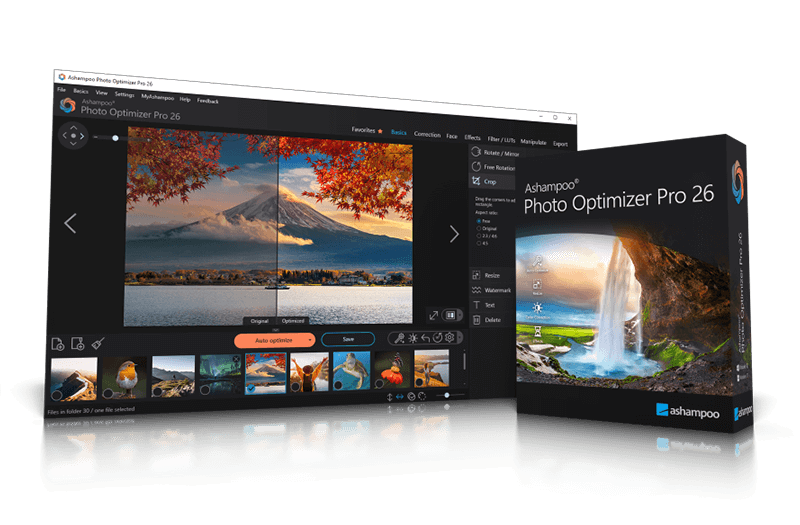
- Brilliant perspective corrections for natural lines
- Significantly enhanced image auto-optimization
- Super-fast feature access through Favorites
- Manual color temperature adjustments
- Tonal curve adjustments
- Improved memory management for better stability and speed
- 64-bit optimized
Ashampoo® Snap Pro 26
A faster, easier, and more convenient way to capture the perfect screenshot
With Ashampoo Snap Pro 26, creating screenshots and videos is easier than ever! Everything that appears on your screen can be captured in seconds. In the image editor, you can edit, annotate, save, and share your captures instantly. New: With Live Edit, you can even mark content directly on your Desktop before the screenshot is taken. Snap Pro 26 also enhances your screenshots with graphical elements such as automatic numbering, comments, stickers, and more. Whether you're working from home, explaining something quickly, or creating detailed tutorials, Snap Pro 26 lets you get the job done faster.
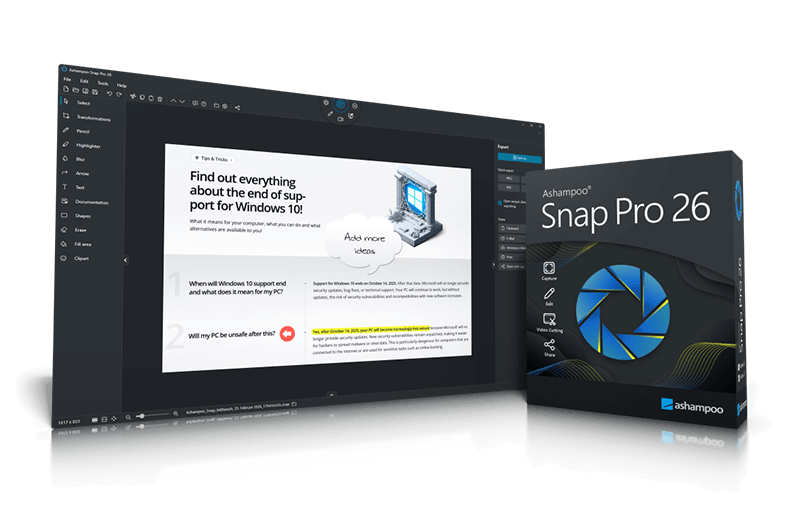
- Screenshots and video recordings with scrolling function, sound option and quick access via hotkeys
- Direct editing with text, highlighting, numbering, blur tools and a handy screenshot library
- Ideal for instructions, tutorials and documentation with flexible export as PNG, JPG, PDF and cloud upload
- Live Edit: Comment and annotate screen contents directly on your desktop
- Create live screenshots while the desktop remains active
- Prepare and create multiple screenshots in one go
- Huge multi-display spanning canvas
- Pixel-precision with cursor movement in one-pixel increments
- Convert screen contents into freely positionable text and image elements
- Better performance, stability, and resource efficiency
- Optimized toolbar for faster workflow
- Redesigned properties bar for visual clarity
- Improved color scheme for better readability
- Quick Scroll for fast navigation of large captures
- Faster web exports through modernized upload
- Improved drag-and-drop support for cliparts and imported images
- Improved arrow styles for better precision
- New output formats for email export
- Print dialog with margin settings in centimeters
- Adjustable video quality for smaller files and faster exports
Ashampoo® SlideshowStudio HD 4
Your slideshow - beautiful, fast, easy
Ashampoo Slideshow Studio HD 4 turns your images into vibrant slideshows with cool effects. Numerous templates, transitions and effects allow you to work creatively and achieve fast results.
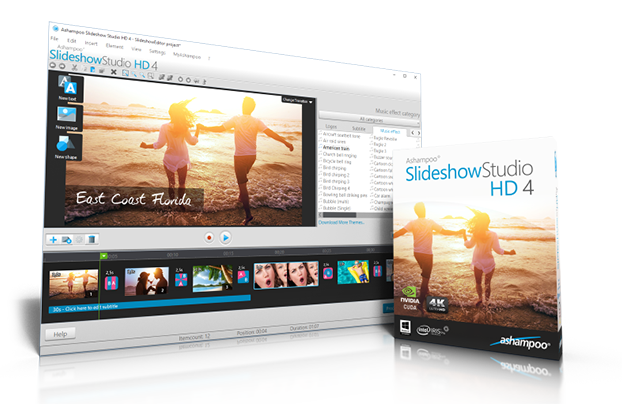
- Various wizards to create slideshows with ease
- Blazingly fast movie creation
- Numerous new templates, transition and sound effects
- Slideshows now also as MKV, VP9 and MP4 files with resolutions up to 4K
- New wizards for brilliant results
- New format support for iPads, cellphones and gaming consoles
- Logically structured, self-explanatory user interface
- Cinematic experiences with opening/closing credits, subtitles and tracking shots