
 (ARM)
(ARM)
 (ARM)
(ARM)
Ashampoo® Advanced Photo Editing
Three Top Tools for the price of one

Get the unbeatable Ashampoo Photo Tool Bundle!
Ashampoo® NEAT #4
Expertly remove and add to get the perfect picture
The cornerstone of NEAT #4 is its ability to efficiently remove motion from an image sequence or add motion to an image, letting you create unique, clear and dynamic images from complex sequences. Want a picture of a scene without any people even though there is always a constant crowd? NEAT #4 makes it possible!

Features:
- NEW: Two additional “Remove motion” algorithms in the HSV and HSL colour space
- NEW: Custom category bar for switching editing categories on and off
- 42 AI-optimised image templates in 6 categories
- Processing of RAW image files
- Real-time colour module with ten layers
- NEW: 24 new professional image filters in expert mode, with 114 in total
- Virtual micro-details and grain
- Sensor error correction
- Intelligent color space (SCA)
- Focus peaking analysis
Ashampoo® ANALOG #5
The ultimate solution for creatively editing your images with unique effects
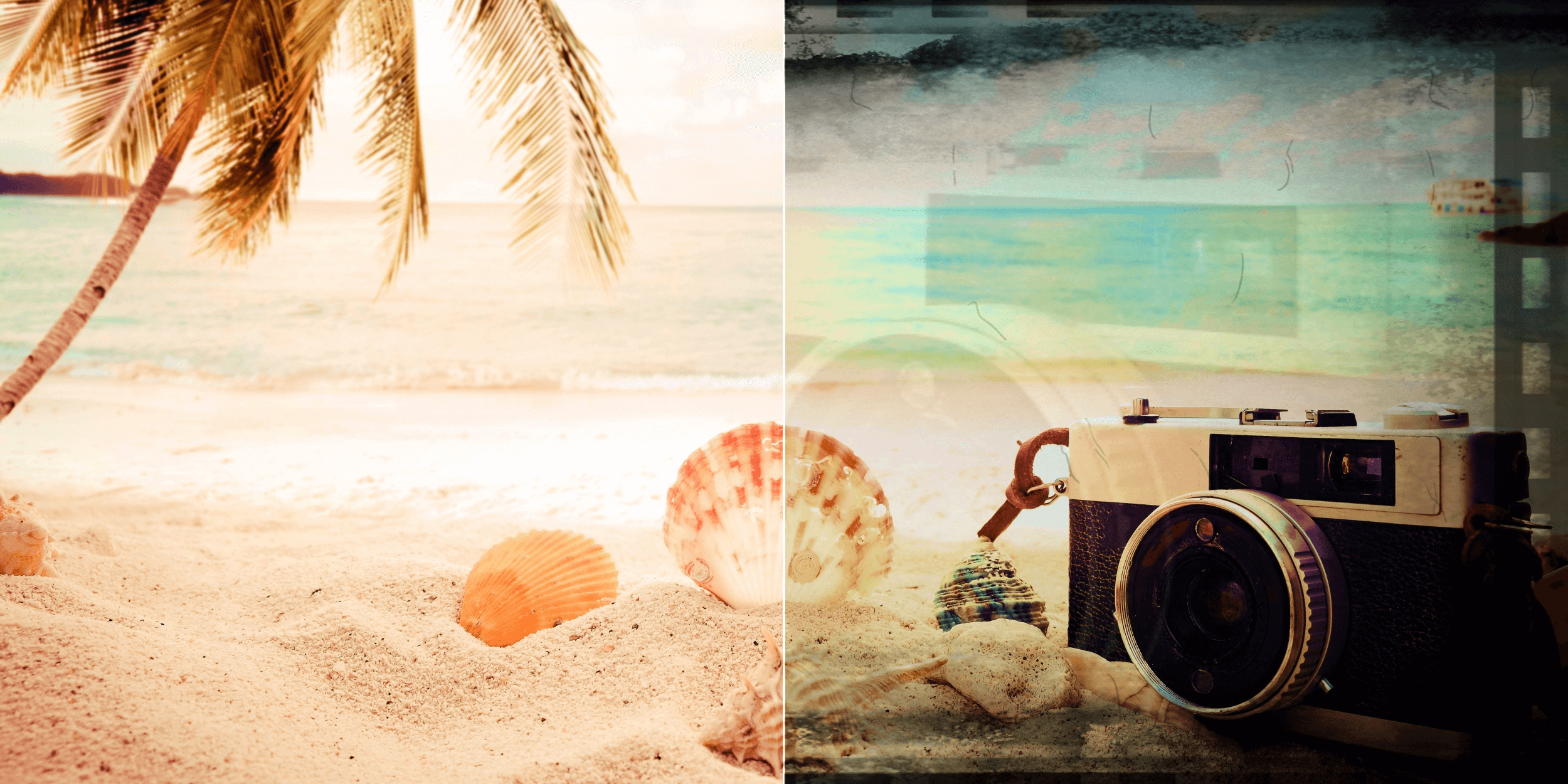
ANALOG #5 is an advanced image editing program that specialises in creating professional image effects with a focus on emulating old image styles. It offers a wide range of tools and functions that help turn your digital photos into works of art. With manually optimised templates (presets) and AI-controlled effects based on twelve categories, the program optimises the rapid application of classic old image effects (analogue looks) on your images. The intuitive user interface and varied collection of 160 filters, including 19 new AI filters in 8 categories such as noise suppression, sharpening, colour adjustment and artistic effects, provide extensive editing options for perfecting every detail of your photo.
Features:
- NEW: 22 new image filters and 19 new AI filters (meaning there is now a total of 160 professional image filters)
- 25 new image templates (which now makes 95 overall) in 12 categories; every preset has been revised with AI effects
- New languages: French, Spanish, Italian, Japanese, Polish, Portuguese, Dutch, Chinese
- New “Replace image” function for replacing the current image directly within your project
- Customisable interface for the “Finalise” and Expert” areas
- 13 new area protection variants in every module with area protection
- Processing of RAW image files
- Selective processing module
- Number of composing layers increased from eight to twelve
- NEW: Integrated image collection in the composing module, with a total of 80 backgrounds in the categories “Sky”, “Structures”, “Colours” and “Light”
- 22 new layer calculations (bringing the total to 105)
- Two new colour filter layers: sky blue and magenta
- Two new colour filter layers: sky blue and magenta
Ashampoo® COLOR #8
You want to apply your creative vision to your images? Then COLOR #8 is the right choice for you!
If desired, COLOR #8 automatically optimises your images and offers a selection of manually optimised image templates in twelve categories that you can apply to your image at the click of a button. To change an image template or create your own creative template, you simply switch to expert mode. There, you will find 245 professional image filters in eight categories (“AI filter”, “Masking”, “Denoising/sharpen”, “Geometry”, “Exposure”, “Colour”, “Blur” and “Artistic”). In this way, you can create your own collection of creative image templates. With COLOR #8, you can optimise your images in no time with a single mouse click, with no need for time-consuming image processing with layers and masks. Experience this revolutionary way to edit your images and take your photos to a whole new level.
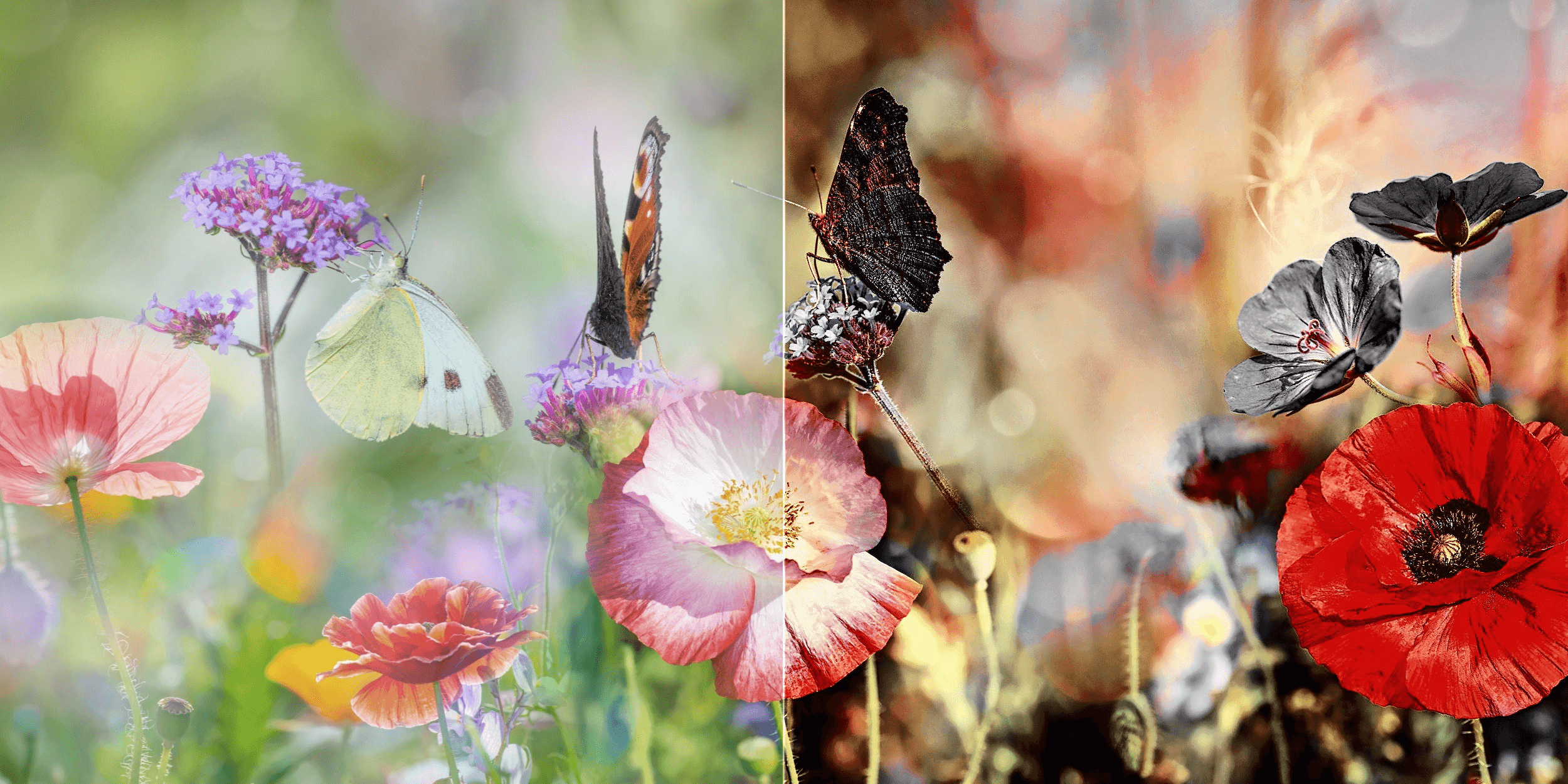
Features:
- NEW: 15 new image filters and 24 new AI filters (meaning there is now a total of 245 professional image filters)
- 26 new image templates (which now makes 193 overall) in 12 categories; every preset has been revised with AI effects
- New “Replace image” function for replacing the current image directly within your project
- Customisable interface for the “Finalise” and Expert” areas
- 13 new area protection variants in every module with area protection
- Processing of RAW image files
- Selective processing module
- NEW: Selective editing with a composing module that offers 12 layers, 80 backgrounds (structures, color splashes, light), and 22 new layer blend modes.
- Emulation of 58 photo films