 (ARM)
 (ARM)
Ashampoo® DIVE #2 new!
Optimally edit underwater photos and removing colour casts
for free now!
Dive into the world of perfect underwater photography with DIVE!
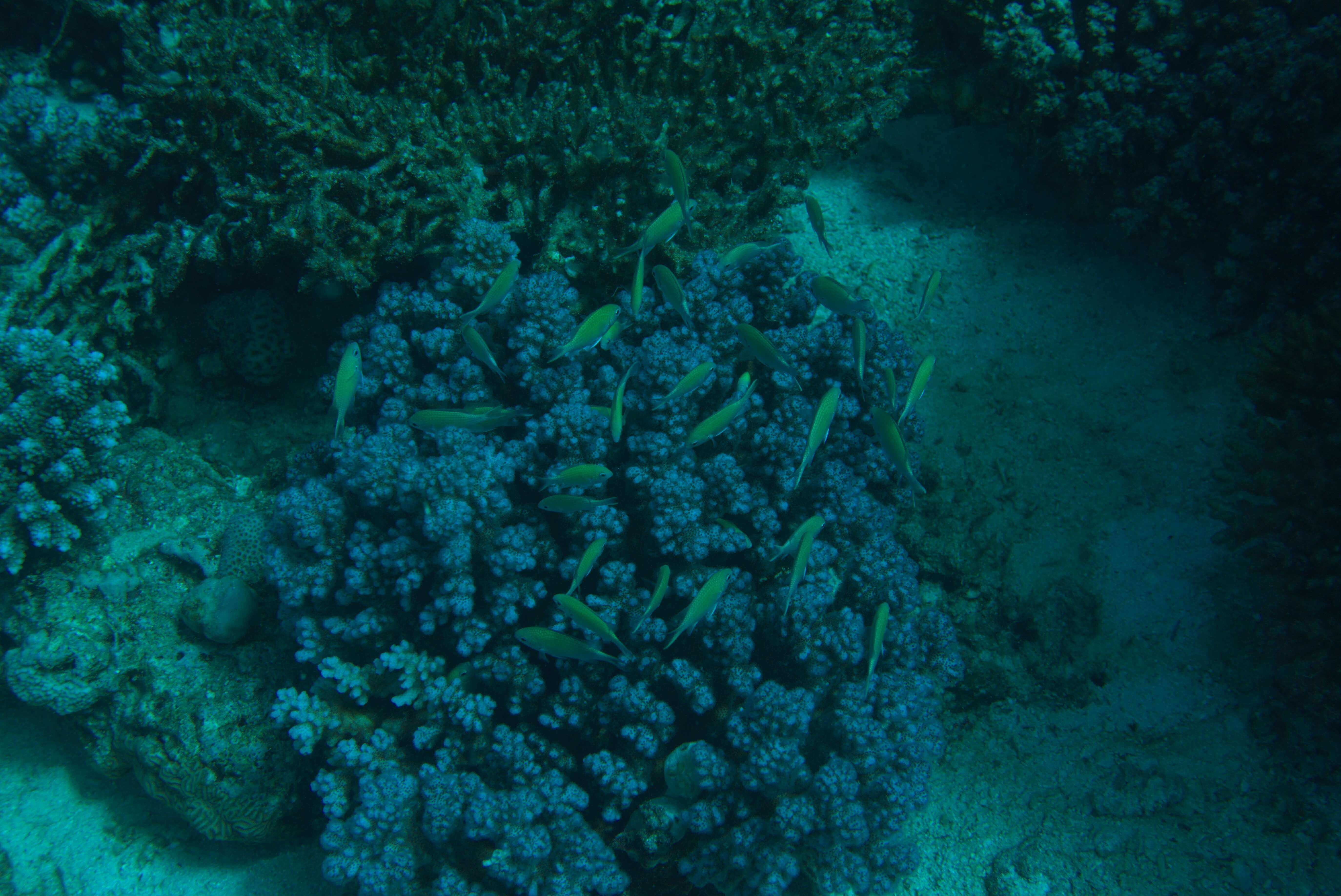
You might know the situation – you took a lot of pictures at the last dive spot and want to put them online quickly, but without any editing and with all the colour casts the whole scene does not come across like it really was at all. However, complicated image editing, which costs money and above all a lot of time, is not an alternative either.
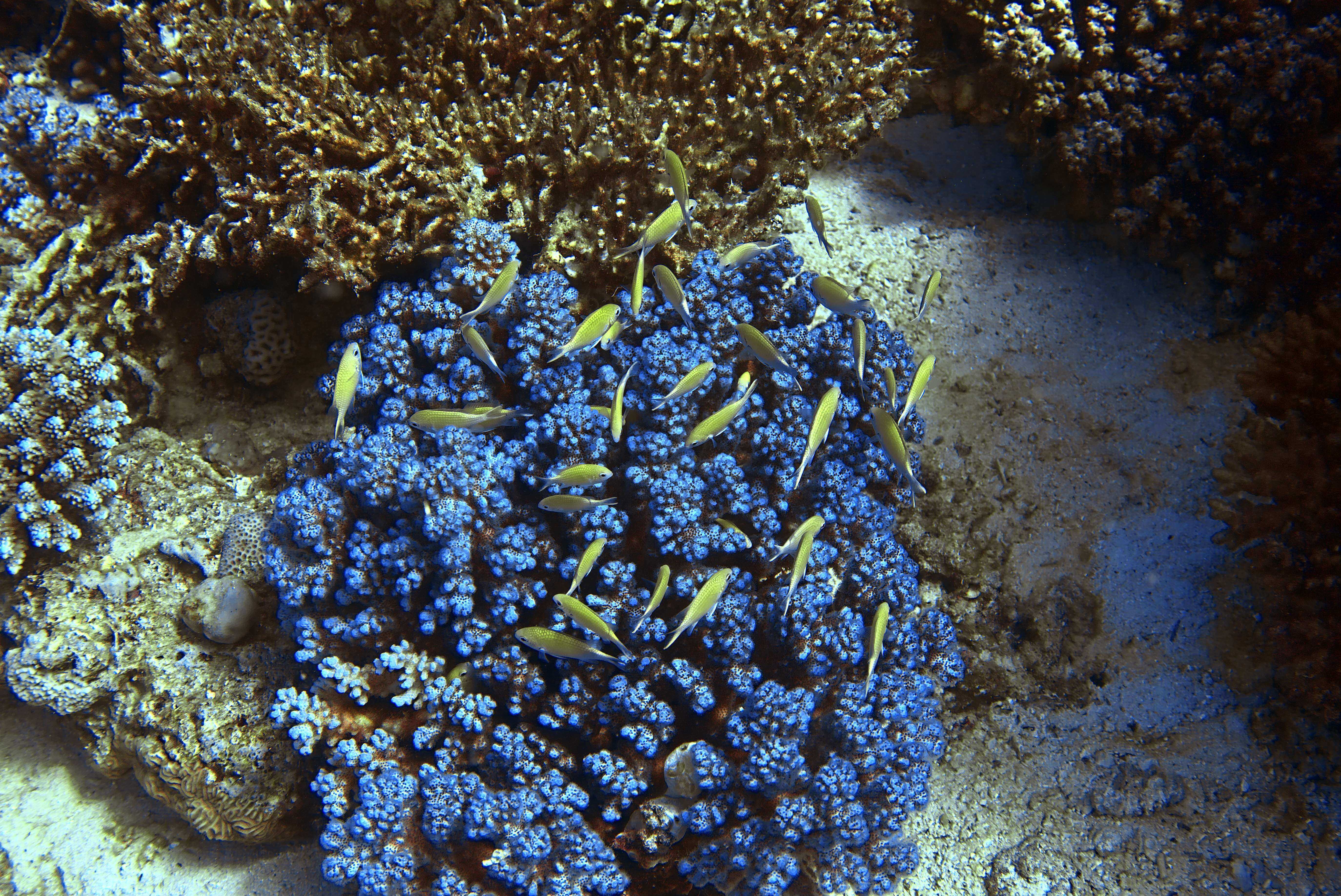
- Improving the Quality of Underwater Color Correction
- Up to four times faster image rendering
- New AI-powered calculation of depth maps for each image
- Expanding the Presets in the Underwater Module
- New JPEG Quick Save Feature
- Water depth module (Correct water depth up to 30m)
- 16 presets for blue water, ocean/seas and lakes/rivers
- Optimized correction of dark areas
- Denoise module
- Watermark module for custom logos
- Selective Drawing, including 6 new image collections for targeted image adjustments
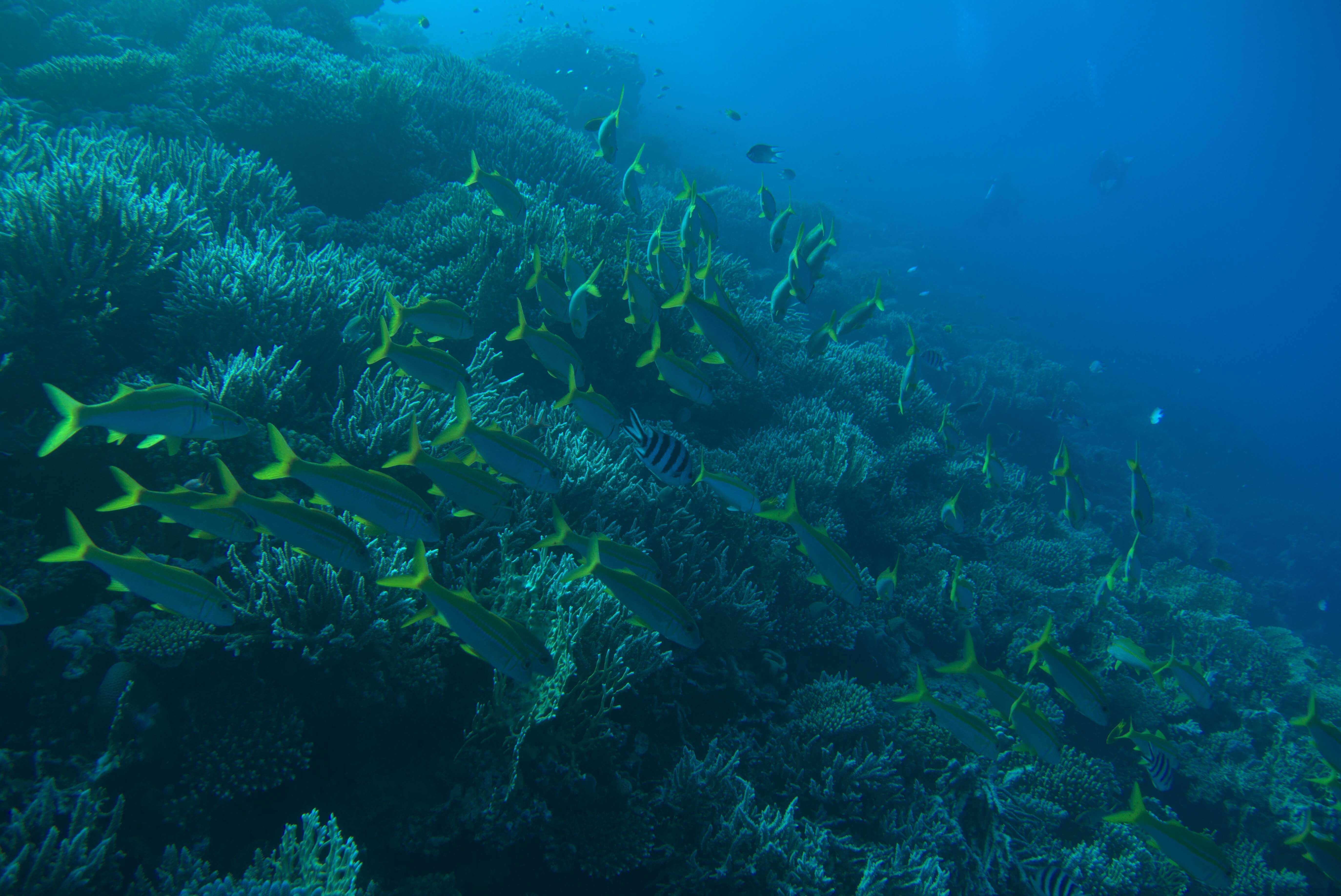
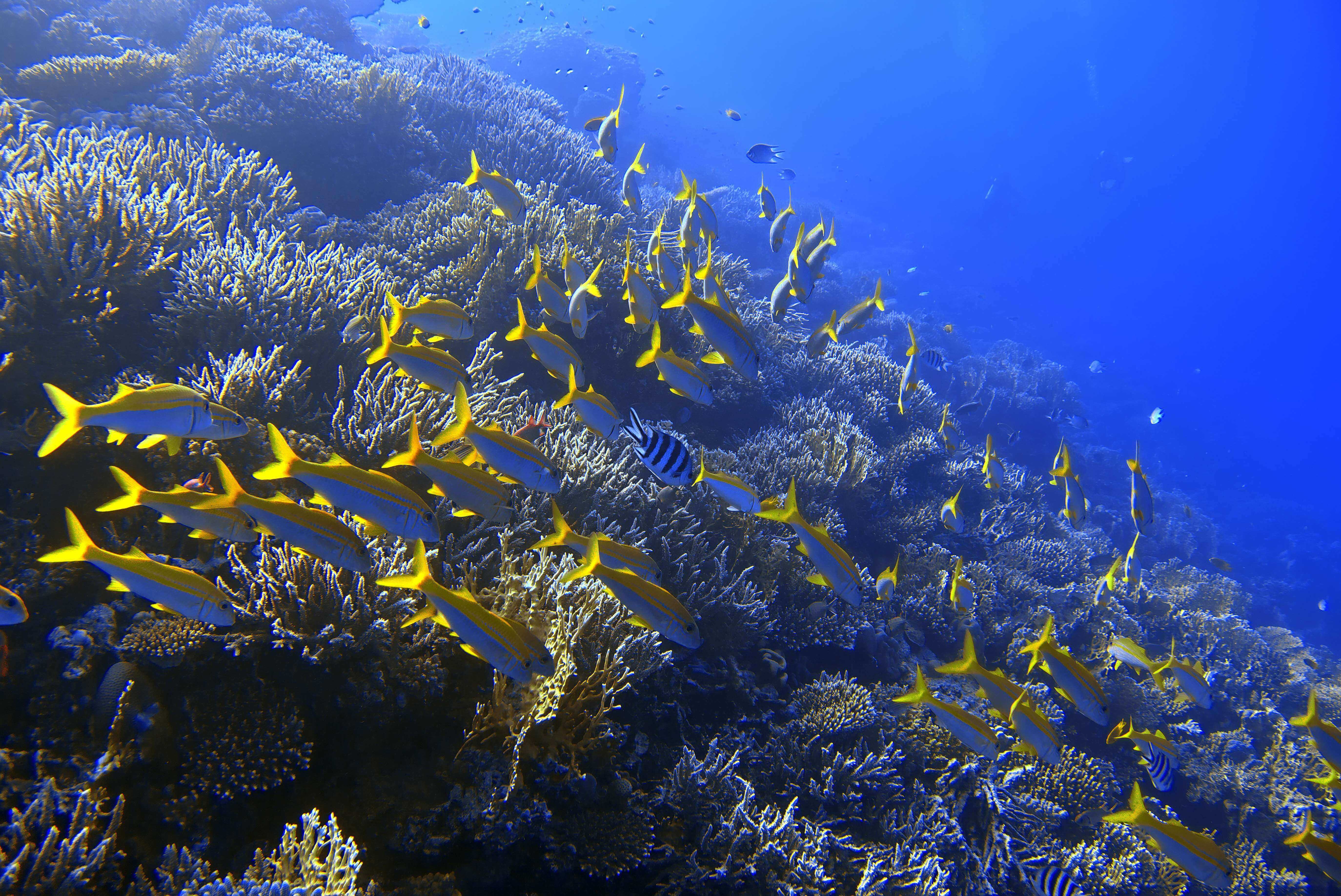
If you want to save time when editing your pictures and perfect quality is important to you, then the new DIVE is just the right tool for you: DIVE has been specifically designed to meet the needs of underwater photographers to breathe new life into colourless or tinted underwater photos and create colourful, vibrant images with an impressive image quality.
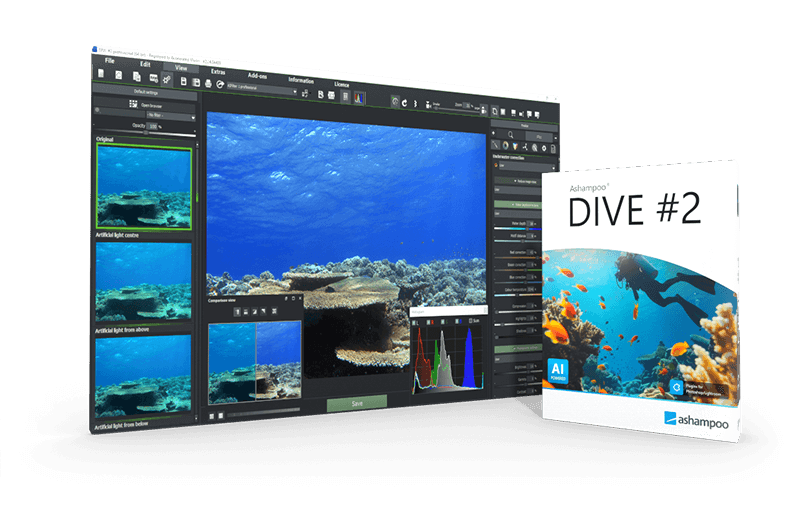
Load your image, set the approximate water depth, and distance to the motif and instantly see the effect on image quality in the real-time preview. Obviously, DIVE comes with many fine-tuning tools on board to make the result even better: 28 presets for special underwater lighting conditions, highest quality denoising filters, removal of annoying refractive errors and highlight restoration.
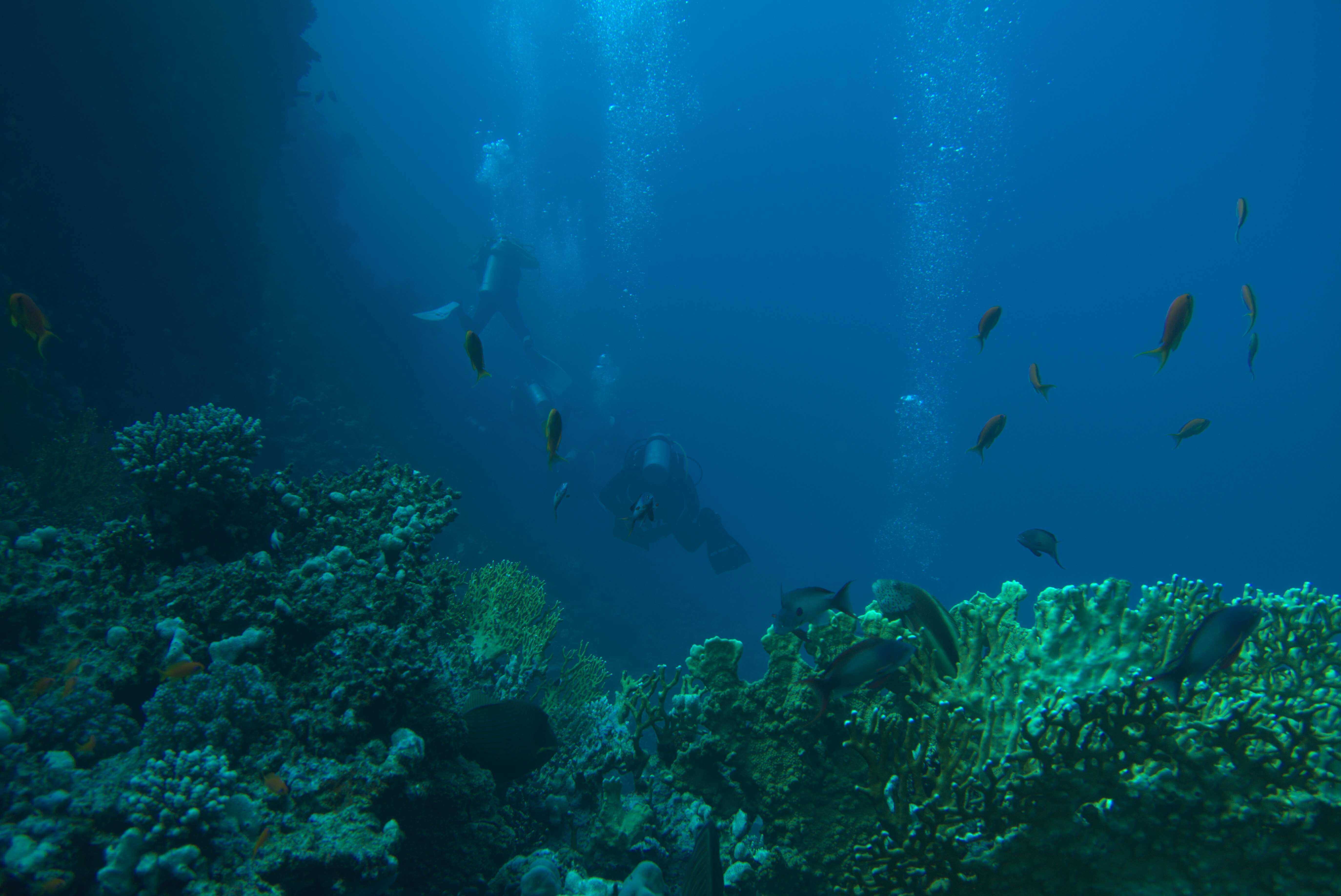
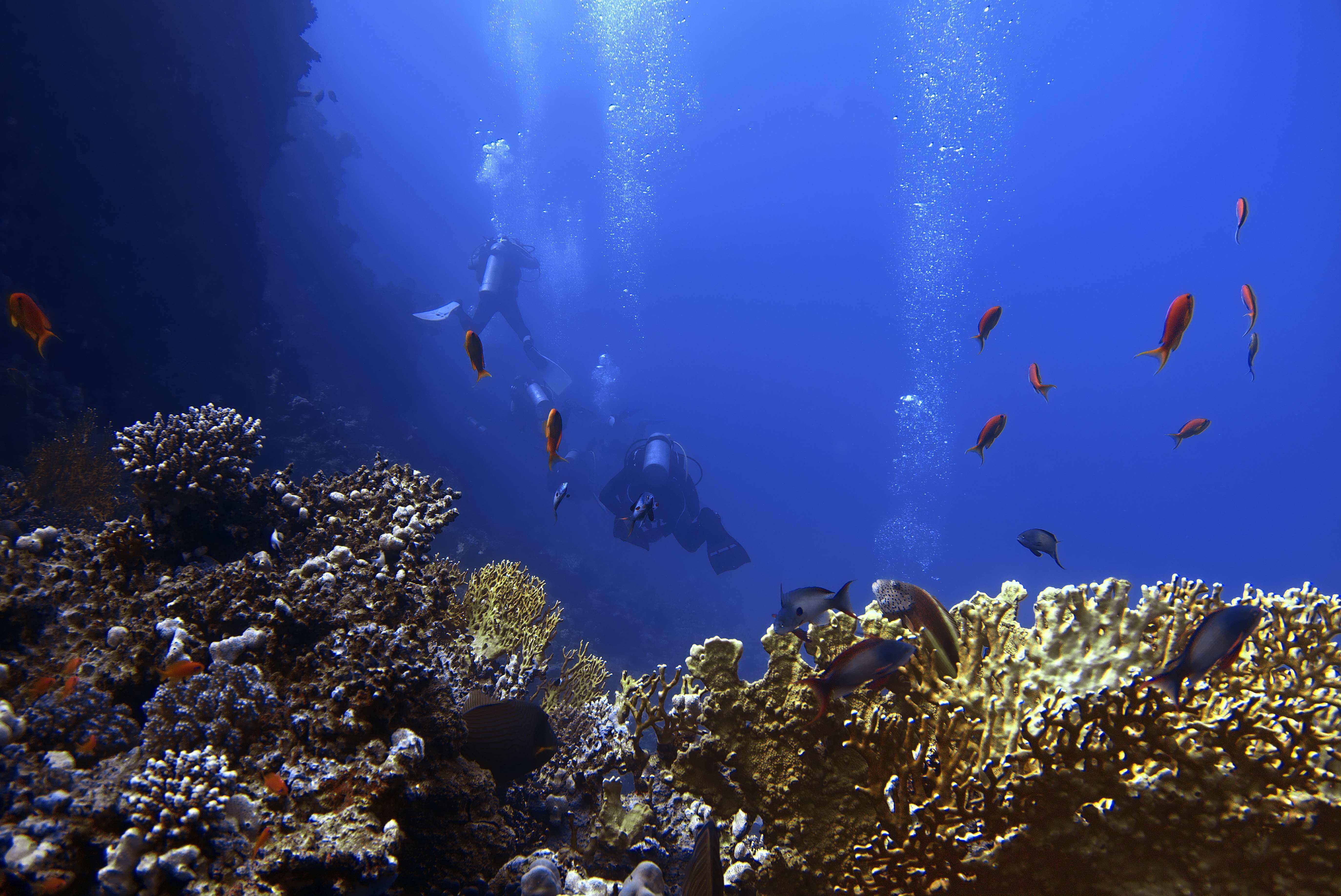
Of course, all important photographic fine adjustments are also available, clearly arranged, and intuitive to use. With the palette, you can make selective colour changes without having to select image areas with pixel accuracy beforehand. You like your result and think the next photo should have the very same look? No problem at all: the import and export function of the settings makes all used image looks permanently available to you.
The user interface is optimised for HD and ultra HD (4K) resolution. All main areas can be moved individually, and all buttons feature interactive explanations (tooltips). The different areas are clearly structured: on the left side there are the presets (templates), in the middle you can find the preview area of the current image, and on the right side there are the settings for underwater reconstruction and colour corrections.