

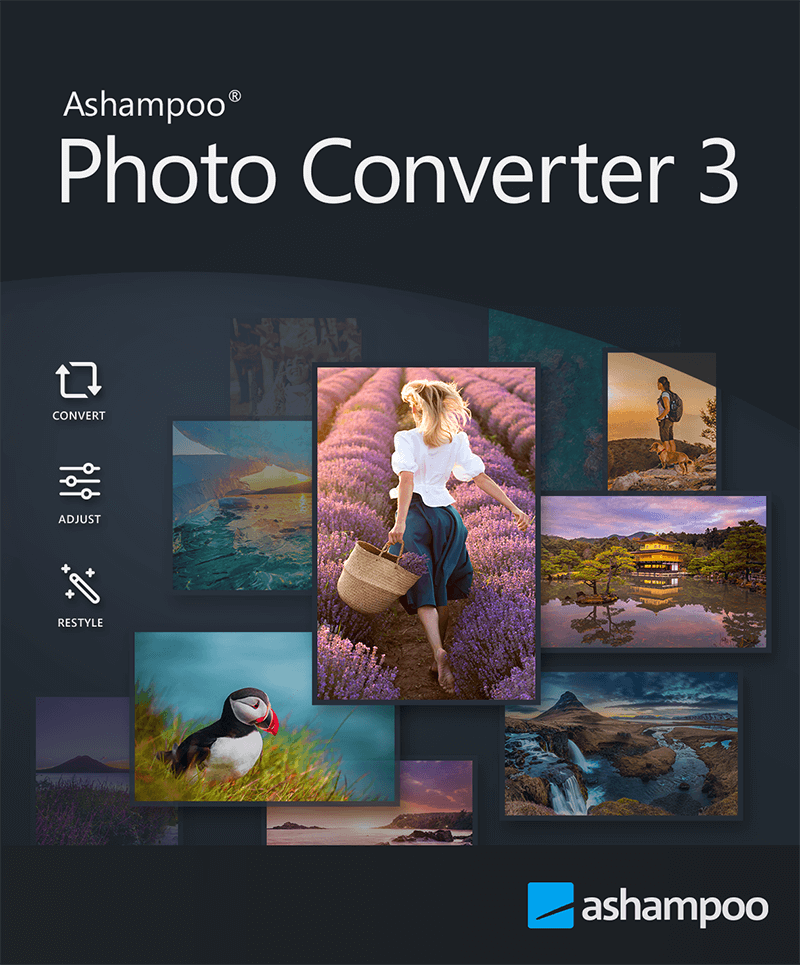
Version: 3.0.3
ID: 0280
Release date: 2025/07/30
Update release date: 2026/04/08
Trial Period: 30 days
Category: Multimedia
EAN: 4250949204830
Price: EUR 15, USD 15, GBP 10, AUD 21, CAD 20, CHF 15, DKK 110, NOK 180, NZD 22, PLN 60, SEK 165
Languages: Arabic, Belorussian, Bulgarian, Catalan, Chinese (simplified), Chinese (traditional), Croatian, Czech, Danish, Dutch, English, Finnish, French, Georgian, German, Hebrew, Hungarian, Italian, Korean, Norwegian, Norwegian Nynorsk, Polish, Portuguese, Portuguese (Brazilian), Rumanian, Russian, Serbian, Slovakian, Spanish, Spanish (Argentina), Swedish, Turkish, Ukrainian
Size: 28,00 MB
Download link (.exe)
https://www.ashampoo.com/ashampoo_photo_converter_3.exe
(28,00 MB)
Product Website:
https://www.ashampoo.com/en-ca/photo-converter
PadFile URL:
https://www.ashampoo.com/internet/padfiles/photoconverter.xml
The media package contains all relevant graphics for use in your work. Aside from program artwork, it also includes our logo.
Download media package here

 Homepage




Affiliate:
Why you should join the Ashampoo affiliate program:
Commission rate 30%
45 Day Cookie Period
Returns and cancellation rate less than 2%.
20 million users & over 20 years of experience
Above average conversion rate
You can register here:
- Native 64-bit support for optimal memory usage
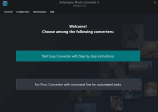
- Modernized interface with animated progress indicator
- Significantly faster PNG and JPG processing (up to 50% faster)
- Extended format support: HEIF, RAW (including Canon, Nikon, DNG), SVG
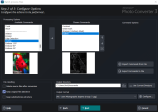
- New batch wizard with drag & drop and sortable command list
- Exportable and reusable command sets (*.apcbatch files)
- DPI-based resizing with precise inch specifications
- CLI mode with extensive parameter control for automated workflows
- Easily apply frames and aspect ratio changes during batch processing
- Full-featured command-line tool with 10+ control parameters
- Automated processing with logging and output format selection via CLI
Windows 11, Windows 10 (x64)
RequirementsAny device that supports the operating systems listed above.
OtherAn Internet connection is required to activate the program. The program license is verified repeatedly at regular intervals.
Contact:
https://www.ashampoo.com/en-ca/contact
Support:
https://support.ashampoo.com