

Ashampoo® Campus Bundle 2026
College productivity power-up ! – One bundle, everything you need
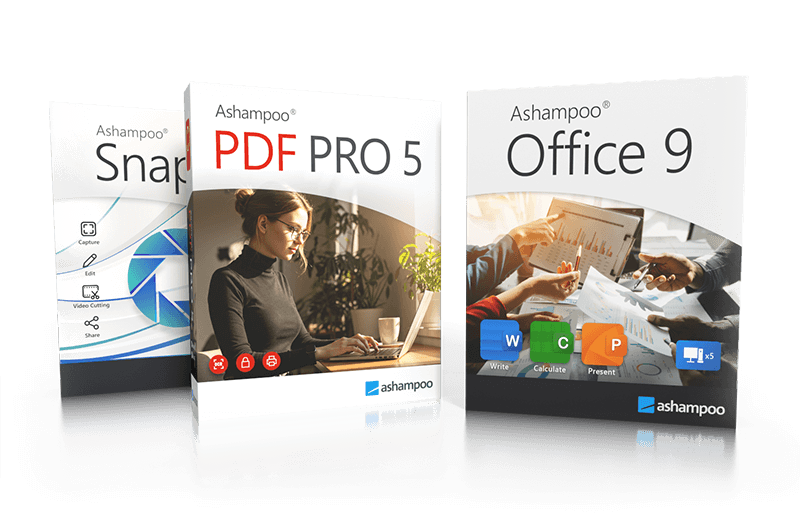
Ashampoo® PDF Pro 5
The complete PDF package–fast, efficient, and intuitive
Ashampoo PDF Pro 5 is the complete solution to manage and edit your PDF documents. The program has everything you need to create, convert, edit, merge and protect your PDFs. Create perfectly sized documents that are readable on any device and use encryption to protect your property when needed. Your PDFs are now as easily editable as Word documents!

New Pro feature highlights
- 64-bit support for maximum performance, even with large documents
- Flexible view options with tabs, separate windows, or shared workspace
- Book layout for realistic double-page viewing
- Page-by-page scrolling for precise navigation
- Automatic document comparison via drag and drop
- Auto-applies most recently used font and size
- Open new files as tabs
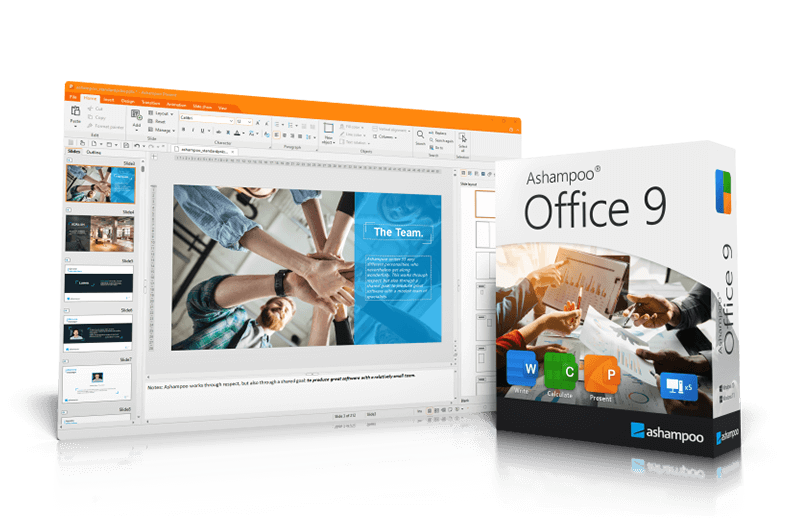
Ashampoo® Office 9
Create documents, spreadsheets and presentations with great ease–and excellent compatibility!
We've all seen Microsoft Office alternatives in the past but never one that is so affordable and greatly compatible with Microsoft document formats past and present. An Office suite without compromise, without a lengthy training period. Ashampoo Office lets you create documents, spreadsheets and presentations faster than ever before. It has all the options and comfort you'd expect from a modern Office suite. And Ashampoo Office doesn't save your files in some online cloud service but where they belong: on your PC! It's the Office suite you've always wanted!
New Pro feature highlights
- Space-efficient PDFs with auto-scaling
- Auto-corrections of common typos for various languages
- Additional list view in "New document" dialog box
- Different formatting options for pasted clipboard content
- Insert WEBP images
- Improved spellcheck handling
- Easily edit grouped objects
- Display full document path in title bar
- Direct input of hex values for Unicode characters
- Auto-suggestions for hyperlink insertion
- Improved dark mode with dark sidebars
- Dark mode auto-toggle based on Windows settings
- Share documents with Windows apps
- Undo individual steps during text replacement
- File attributes like "Compressed", "Icon position on desktop" and "Owner" preserved during saving
- Elegant Windows 11 style
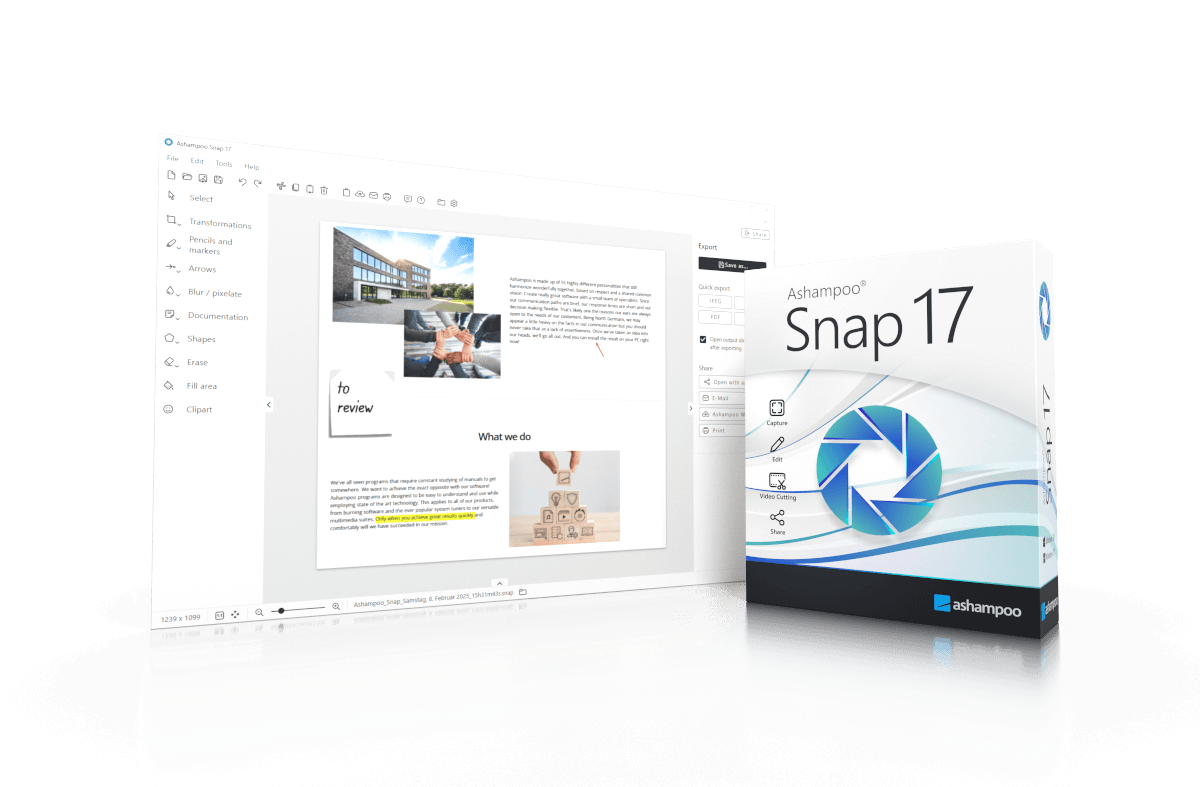
Ashampoo® Snap 17
A faster, easier, and more convenient way to capture the perfect screenshot
Creating screenshots and videos with Ashampoo Snap 17 is a breeze! Capture anything on your screen instantly. The integrated editors make it easy to edit, save, and share your recordings. Enhance your screenshots with features like automatic numbering, comments, and stickers to make them more impactful. Whether you're illustrating something quickly, working from home, or crafting a detailed tutorial, Snap 17 helps you achieve your goals quickly and efficiently!
The new Quick Access bar places essential functions right at your fingertips, streamlining your workflow, while the optimized user interface, clean layout, and customizable properties bar allow you to work more intuitively than ever. Additionally, the new file menu, smart keyboard shortcuts, and enhanced share button streamline every step, offering the speed and convenience you need.
New Pro feature highlights
- Enhanced interface with optimized layout and behavior
- New Quick Access bar for all essential functions
- Video editor with new technology and improved workflow
- Efficient video conversion to MP4 (H.264)
- Export videos as GIF, audio, or images
- Improved scroll-capture technology for complex pages
- Optimized video recording with advanced settings
- Faster startup and response times with lower system load
- Modern printing feature for precise, customizable prints
- Advanced numbering with modern technology, settings, and color styles
- Improved highlighter for better contrast
- Drag & Drop support for seamless workflow
- Enhanced sharing function with optimized web upload
- Collapsible menu bar for a cleaner workspace
More top products from Ashampoo: No PC should be without them!