
 (ARM)
(ARM)
(ARM)
(ARM)
Ashampoo® Snap Pro 26
Professional screen capturing just got even smarter
for free now!
| 5 stars |
|
274 |
(70.4%)
|
| 4 stars |
|
60 |
(15.4%)
|
| 3 stars |
|
20 |
(5.1%)
|
| 2 stars |
|
7 |
(1.8%)
|
| 1 star |
|
28 |
(7.2%)
|
Only customers who have purchased or registered a specific product can rate that product.
This way you can be certain that all opinions are genuine and verified.

The new Ashampoo Snap Pro 26 – with Live Edit for a new way to create screenshots
With Ashampoo Snap Pro 26, creating screenshots and videos is easier than ever! Everything that appears on your screen can be captured in seconds. In the image editor, you can edit, annotate, save, and share your captures instantly. New: With Live Edit, you can even mark content directly on your Desktop before the screenshot is taken. Snap Pro 26 also enhances your screenshots with graphical elements such as automatic numbering, comments, stickers, and more. Whether you're working from home, explaining something quickly, or creating detailed tutorials, Snap Pro 26 lets you get the job done faster.
- Screenshots and video recordings with scrolling function, sound option and quick access via hotkeys
- Direct editing with text, highlighting, numbering, blur tools and a handy screenshot library
- Ideal for instructions, tutorials and documentation with flexible export as PNG, JPG, PDF and cloud upload
Live Edit–Mark directly on your desktop
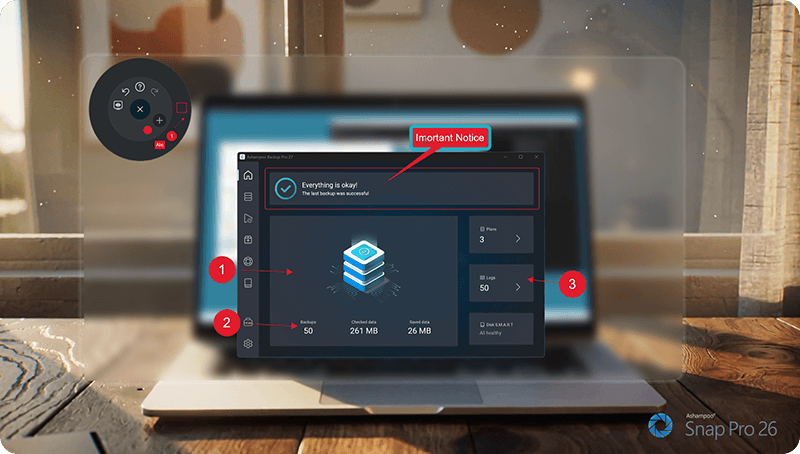
Live Edit places a transparent layer like a sheet of glass over your screen. On this layer, you can draw arrows, add text, or highlight areas directly on top of the content you want to explain. Unlike traditional screenshot tools, your screen does not freeze during this process. You can switch back to your Desktop at any time to move windows, adjust content, or let a video continue playing, and then continue working on your annotations. This way, the final screenshot evolves step by step without having to restart the process.
Prepare and create screenshots faster
With Live Edit, multiple screenshots can be prepared and created within a single workflow. Annotations remain visible while you continue working on your Desktop and can be adjusted at any time. Especially with large workspaces or multi-monitor setups, Live Edit provides plenty of screen estate to organize content clearly. The final screenshot is then created directly from the Live Edit view–What you see is always what you get!
Better performance, stability and resource efficiency
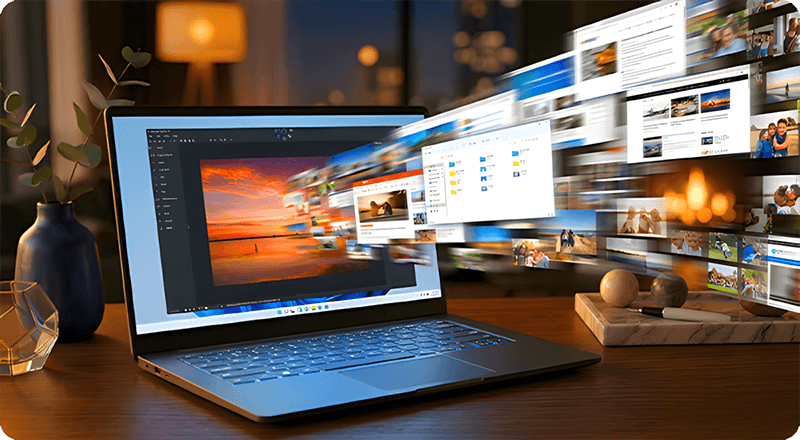
The new Ashampoo Snap is built on a fully modernized technical foundation: The program starts faster, responds more quickly, and operates more smoothly overall. At the same time, memory usage and background process activity has been significantly reduced so Snap remains responsive and stable even during longer sessions. This new foundation improves everyday performance while also preparing Snap for future enhancements and new features.
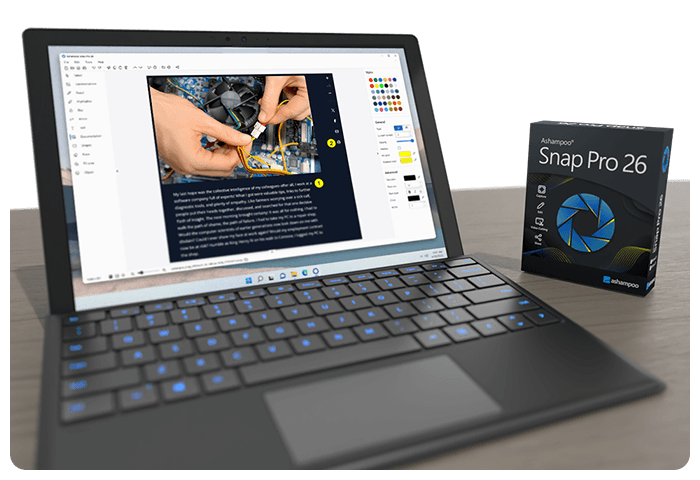
Enhanced workflow and modernized interface
We have also improved many details for everyday work with Snap. The image editor's toolbar is smarter and supports your workflow even better. The properties bar has been restructured to provide a clearer and more consistent user experience. The updated color scheme improves readability and makes longer working sessions less strainful. With Quick Scroll, you also get a smart thumbnail preview that automatically appears when needed and helps you navigate large captures more easily.
Live Edit changes the way screenshots are created. Comments and annotations are placed directly on the Desktop while the screen remains active. This makes explaining content much faster and more flexible.

More practical improvements
Many already useful features have been further refined: Cliparts now support drag & drop and image imports are more convenient, tools like the arrow tool offer better precision, and additional output formats are available for emailing images. The print dialog has also been updated and now supports margin settings in centimeters. In addition, video exports now support a quality settings to save storage space or speed up exports.
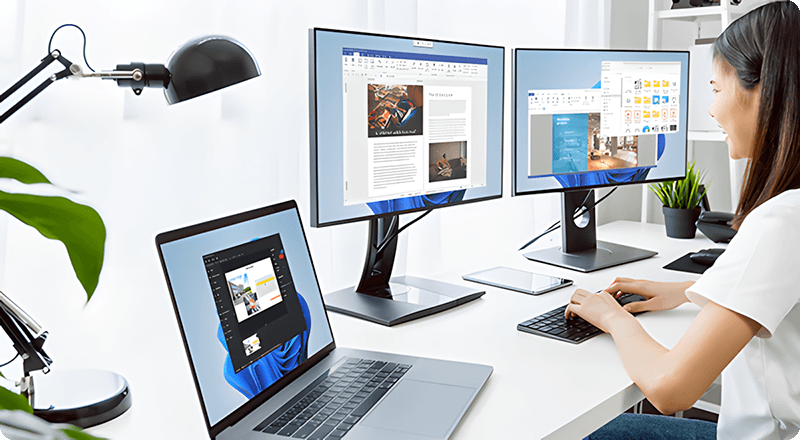
Smart desktop capturing and sharing
Once active, Snap's magic eye auto-detects elements below your mouse pointer (browser windows, program menus, images, etc.) and offers instant 1-click capturing with pixel precision. But it doesn't stop there: Snap can also capture custom rectangular or freehand regions and even supports scrolling content! Naturally, the program supports all possible kinds of sharing options, including email and Ashampoo Web!
Optical character recognition (OCR) for your screenshots
As of now, Snap no longer recognizes just 7 but over 180 languages! Our new text recognition utilizes Windows' own language packs and produces better results faster. Chances are you won't be needing over 180 languages straight away so, in the interest of simplicity, we've limited the number of initially available languages to the system languages currently installed on your machine. You can easily add additional languages via the "Add language" menu item.
Fast and easy video cutting
Not every video recording is an instant success. Ads, extra steps or pauses are a frequent bother. The same applies to screen captures. Keep the important bits and get rid of the rest with Ashampoo Snap! Remove ads, glitches or superfluous scenes or split your video into individual episodes. It doesn't matter whether you're casually pointing and capturing, creating an extensive webinar or producing a high-quality presentation: With Ashampoo Snap, every video capture comes out a success!
Create videos for any purpose
Creating instructional videos or documentaries is a breeze with Ashampoo Snap. Recordings are live-annotable with texts, drawings and voice narration. Clear things up with visualized mouse clicks and key strokes and add watermarks to protect your intellectual property. Take it to the next level and add live feeds from your webcam in a single click. Here's your ticket to create engaging tutorials, prepare instructive webinars and to point the way to the things that matter most to you–literally!
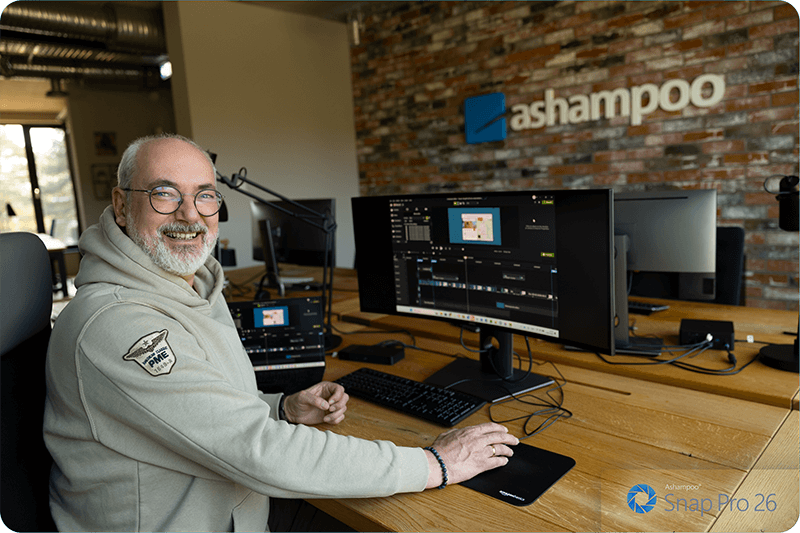
Perfect for different screen resolutions and multi-display environments
Ashampoo Snap fully supports multi-display setups, even with different resolution and DPI combinations, e.g. mixed Full HD and 4K environments. Each display is captured at its individual resolution for maximum crispness and results are instantly editable. And once you're in the editor, it's smooth sailing for beginners and professionals alike!
Create GIFs from any video
What would the internet be without those charming GIF animations? But GIFs can also be used in tutorials or demonstrations to great effect. Ashampoo Snap can turn any video segment into GIFs. Just set the start and end positions, fire up the built-in converter and you're done!
More than a snipping tool: extensive comfort features
Ashampoo Snap does most of the heavy lifting for you. Automatic numbering or time-delayed captures will help you make the most of your shots. Freely annotate your captures with texts and drawings or use flood fills. Put the spotlight on individual portions, blur sensitive data and use the highlighter to direct attention in style!
Capture desktop contents and save videos or images from the internet
The internet is brimming with fascinating images, texts and videos. Ashampoo Snap makes it easy to capture what you like! Save image and videos and edit them on the fly and to your liking! Anything you see on your screen, or hear through your sound card, Snap can capture!

What is Ashampoo Snap?
What can I capture with Snap?
What can I capture with Snap?
Are there editing tools for screenshots?
How does automatic numbering or labeling work?
Is Ashampoo Snap beginner-friendly?
Which file formats are supported?
Can I share content directly from the program?
Is there a free version of Ashampoo Snap?
How does Snap compare to the built-in Windows screenshot tool?
What is Live Edit?
What customers think about Snap Pro 26
Only customers who have purchased or registered a specific product can rate that product.
This way you can be certain that all opinions are genuine and verified.
-
maurice Lyongreat improvement
I have been with snap for several years and I soon got used to the differences in each one.
Helpful? -
Paul CaslinSolid software
Used for years superb software improving on every upgrade
Helpful? -
LudwigSnap Pro is there when you need it Snap pro finns när du behöver det
A perfect, easy-to-use tool
Ett perfekt lättanvänt verktyg
This review has been automatically translated.Helpful? -
Janos NagyEverything's great Alles Bestens
I haven't installed the program yet, so I can't
make a recommendation. I've already purchased quite a few programs
from Ashampoo, and they've always worked well
and met my expectations
Die Programm habe ich noch nicht installiert so kann keine
Empfehlung aussprechen.Habe schon etliche Programms
bei Ashampoo gekauft und haben immer gut Funktioniert
meine Erwartungen erfüllt
This review has been automatically translated.Helpful? -
Ryszard WitkowskiTried-and-true programs for Windows 11 to keep the system error-free. - Tried and tested, and in constant use; here, after the update to version 26 Sprawdzone programy dla Win 11 aby utrzymać bez błędów sys. - sprawdzony i w ciągłym użytku a tutaj po aktualizacji na 26
It’s the absolute BEST tech of 2026—it keeps my system and my Fujitsu R5510 laptop running smoothly and ready to use. Once you download and install it, you’ll be satisfied.
Stay alert!
Note: There’s nothing fancy about using Ashampoo—I’ve been using their products for 10–16 years and rely on them!
To technologiczna B E ST J A 2026 r utrzymuje funkcjonowanie sys. i mojego Laptopa Fyjitsu R5510 - w gotowości do użytkowania - po pobraniu i installce będziecie Państwo zadowolnieni .
Czuj czuwaj !
Uwaga nie ma bajeru z obsługi Ashampoo korzystam ca 10-16 lat na ich produktach bazuję !
This review has been automatically translated.Helpful?
More top products from Ashampoo: No PC should be without them!



Are you looking for a free MS Word alternative? We've got you covered!